MaxAI: Ask AI anything as you browse
MaxAI brings ChatGPT, Claude, Gemini and more AI models directly into your browser. We tested this all-in-one AI assistant to see if it's worth your time and money.
MaxAI brings ChatGPT, Claude, Gemini and more AI models directly into your browser. We tested this all-in-one AI assistant to see if it's worth your time and money.
We've been testing MaxAI for weeks now, and honestly, it's one of those extensions that makes you wonder how you worked without it. With over 800,000 users and a solid 4.7-star rating on the Chrome Web Store, MaxAI promises to bring multiple AI models right where you need them—in your browser.
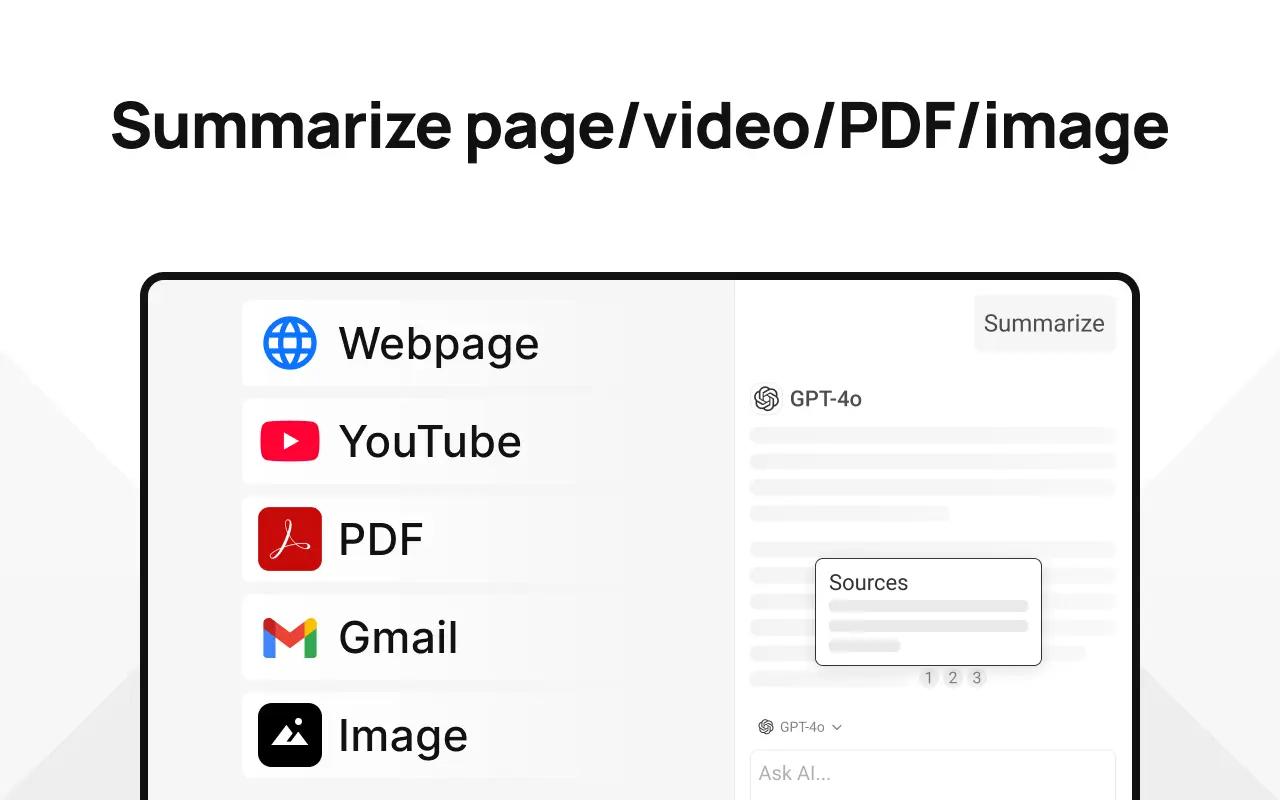
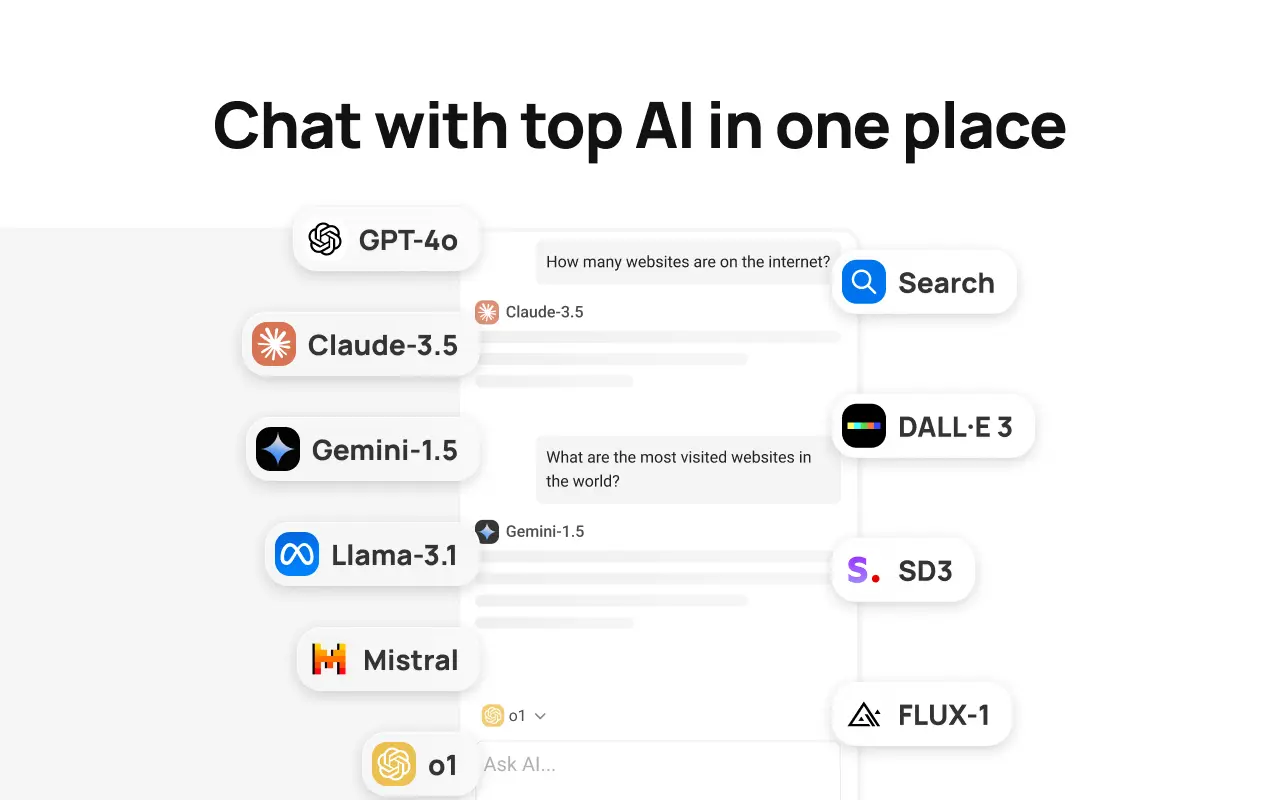
During our testing, we found that MaxAI does exactly what it says: it gives you access to GPT-4, Claude, Gemini, Grok, and other top AI models without ever leaving your current webpage. The AI sidebar stays open while you browse, and the context menu lets you improve writing, translate text, or get answers with just a click. Compared to other AI browser extensions we've tried, MaxAI feels more polished and feature-rich, though it's not without its drawbacks.
In this review, we'll break down everything we discovered—the good, the bad, and whether it's worth upgrading to the Pro plan. We tested it across different websites, used it for writing, research, and even coding tasks to give you a complete picture of what MaxAI actually delivers.
MaxAI offers a freemium model that gives you enough to test the waters, but the Pro plan is where things get interesting.
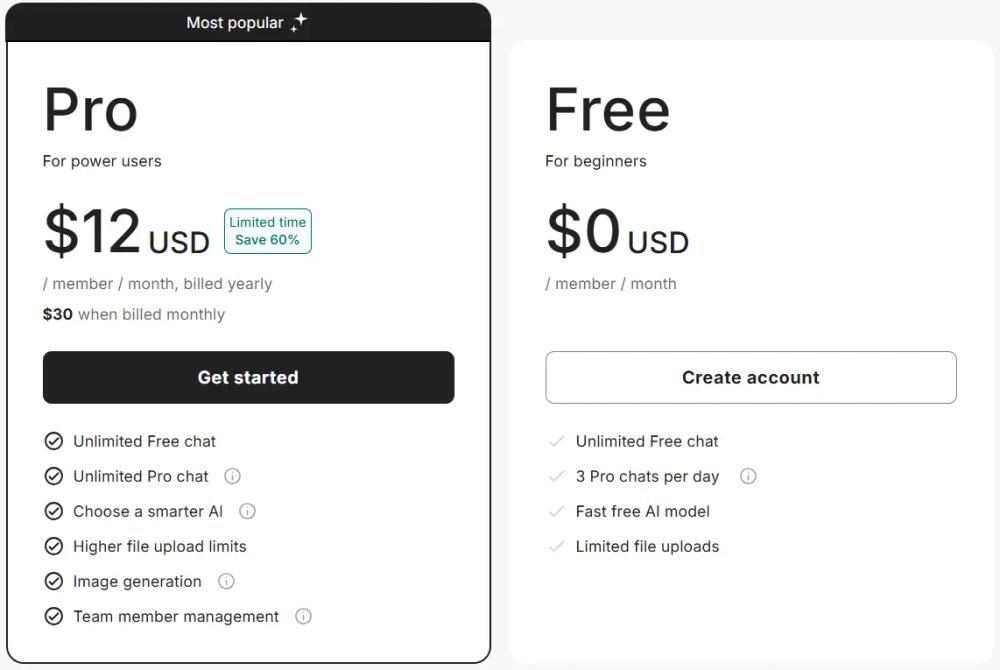
The free version includes unlimited free chat with basic AI models, 3 Pro chats per day, and access to fast (but less powerful) AI models like GPT-5-mini, Claude-3.5-Haiku, and Gemini-2.0-Flash. You also get limited file uploads and basic features like AI writing assistance, translation, and web search.
The Pro plan costs $12 per month when billed yearly (or $30 monthly), which represents a 60% savings if you commit to the annual plan. This unlocks access to smarter models like GPT-5, Claude-Sonnet-4, and Gemini-2.5-Pro, unlimited Pro chats, 5x more web search sources, in-depth source analysis, advanced reasoning capabilities, customizable responses, voice input, the ability to ask multiple AI models at once, and image generation. You also get higher file upload limits and team member management features.
MaxAI: Ask AI anything as you browse earned a score of 8.6 out of 10 in our tests. This rating signifies a highly reliable tool that performs excellently in most areas.
In our review of MaxAI, we considered the categories Features, Design, Ease of Use, Security & Privacy, Value for Money and Performance. Each category was given equal importance and we'll dive into the details of each in the following section.
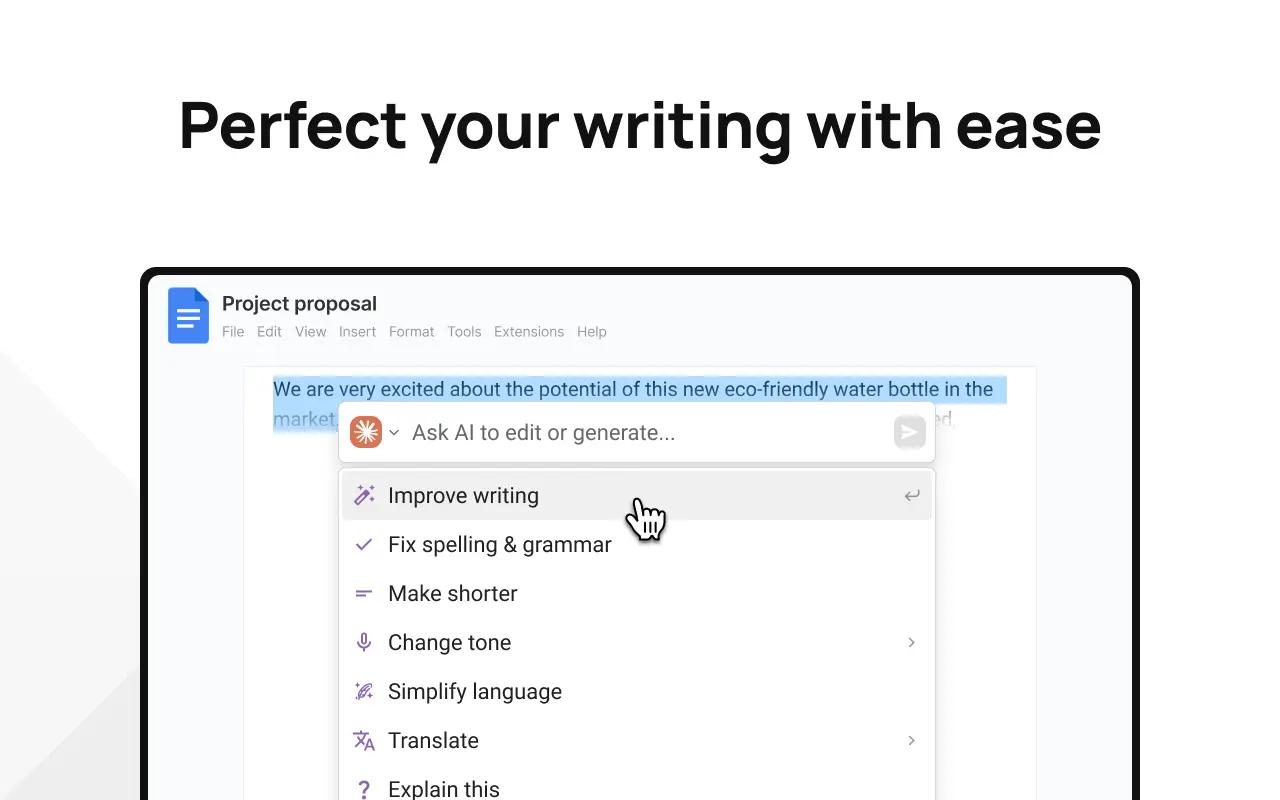
MaxAI offers a rich set of features in a single extension. Its standout AI sidebar lets you chat, analyze files, and ask questions about the webpage as you browse. Writing assistance tools—like one-click improvement, tone adjustment, grammar checks, and handy translation—work well across sites.
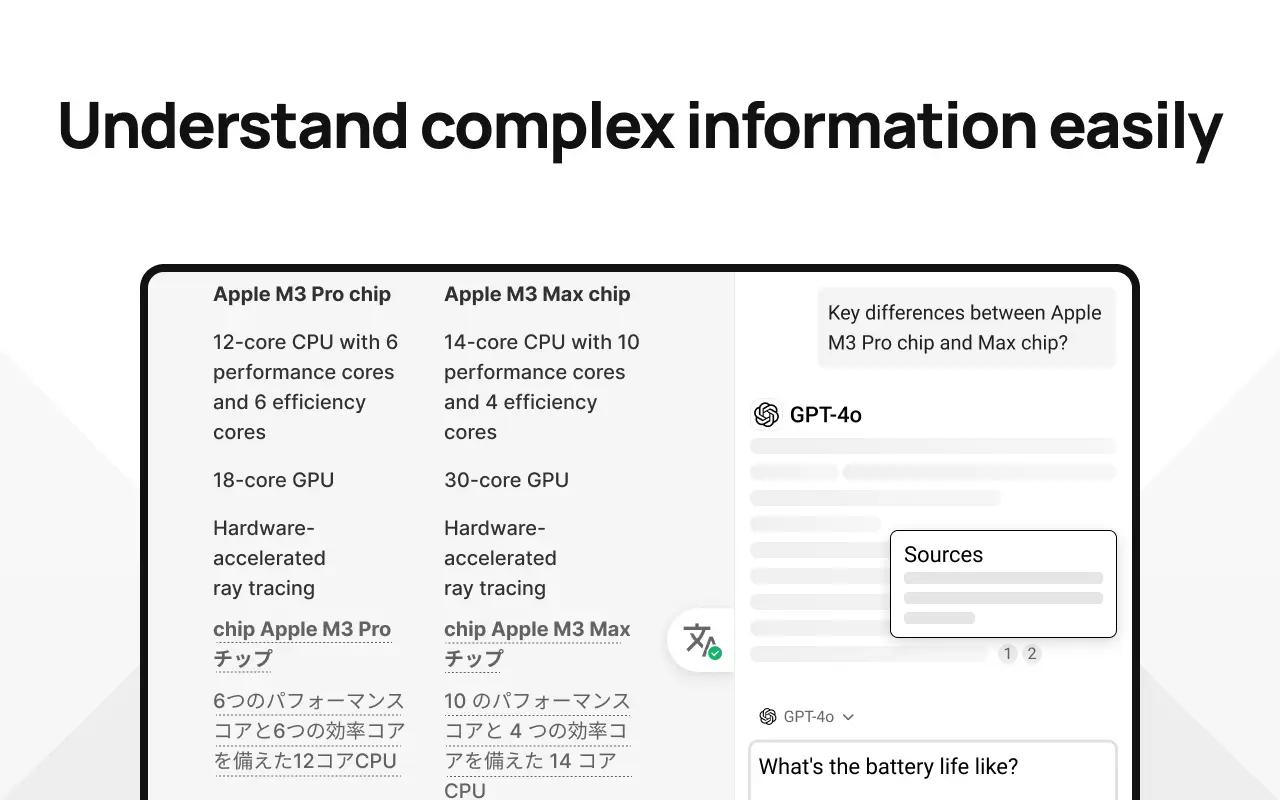
A highlight is the ability to query multiple AI models at once (Pro), making it easy to compare answers for research or fact-checking. Web search with cited sources and reusable prompts further improve productivity. Image generation (Pro) is available with models like DALL·E 3, but it’s more an extra than a core feature.
File upload limits can be restrictive, even for Pro users. Overall, the features are broad, polished, and useful for most reading, writing, and research needs.
MaxAI features a clean, modern interface that doesn’t clutter your browser. The sidebar is unobtrusive and easy to toggle, and the chat UI is familiar for anyone who’s used ChatGPT or similar tools. Context menu integration works smoothly across sites, providing helpful AI options without getting in your way.
Settings are extensive but organized, though new users might find the options a bit overwhelming at first—thankfully, the defaults work well. The color scheme and typography are professional, with a solid dark mode available.
Occasionally, the extension feels slow to load or when switching AI models, but design elements like loading indicators help. Overall, MaxAI’s design is polished, functional, and ideal for productivity without getting in your way.
MaxAI is easy to use, even for those new to AI browser extensions. Onboarding is simple—just install, reload, and you're ready. The AI sidebar works like a familiar chat, and context menu options such as improve, translate, and summarize are intuitive and work smoothly across websites.
Reusable prompts are quick to set up for repetitive tasks. While the settings page offers lots of options (which may be overwhelming at first), defaults work well, so most users won't need to change anything.
Most features are self-explanatory, so there's hardly any learning curve. Minor gripe: the sidebar sometimes doesn't remember your preferred AI model between sessions. Overall, MaxAI balances advanced features with straightforward usability, making it accessible for beginners and efficient for power users.
MaxAI stands out for its clear privacy policy and transparent data practices. It only collects your email and name for identification and syncing settings, and explicitly states it does not gather browsing data, chat history (except what’s needed to function), or site info. The extension requires standard browser permissions, which are explained at install.
User data—like webpage content and chats—is sent to third-party AI providers (OpenAI, Google, etc.) as part of how the tool works. MaxAI doesn't sell your data or track your browsing, but you should be aware that external AI services will process what you send. Their data retention is minimal, and you can request deletion by deactivating your account.
The extension avoids sensitive pages like the Chrome Web Store for security. The only real privacy downside is that, as with any AI tool, your data is handled by external providers. Overall, MaxAI is more privacy-conscious and transparent than most extensions in its category.
MaxAI’s value depends on your needs. The free plan is great for most casual users, with unlimited basic chats and 3 Pro chats per day. Power users get the most from the $12/month Pro (billed yearly), which is cheaper than buying separate AI subscriptions and lets you use multiple top models in one place. However, the $30/month billed monthly is expensive.
Pro features—like access to smarter models and better search—are genuinely useful, but most basics are already included for free. Image generation and team tools are nice extras but not essential for everyone.
If you want advanced AI in your browser, MaxAI Pro at the yearly rate is a good deal. For casual users, the free tier is likely enough. Overall, the value is good, but not outstanding.
MaxAI is generally fast and responsive. The extension loads quickly, integrates smoothly with sites, and the sidebar and chat work without lag. AI responses are prompt, though more advanced models and web search can take longer. The extension is a bit large (25.88 MiB), but doesn’t slow down most browsers unless you're on older hardware.
Some minor issues exist, like the sidebar not always remembering scroll position or chat state. Context menu actions are instant, and file uploads process at reasonable speeds. Image generation works well, but depends on your chosen model.
One limitation is the lack of a way to cancel long-running requests. Overall, performance is good and reliable for daily use, but not exceptional.
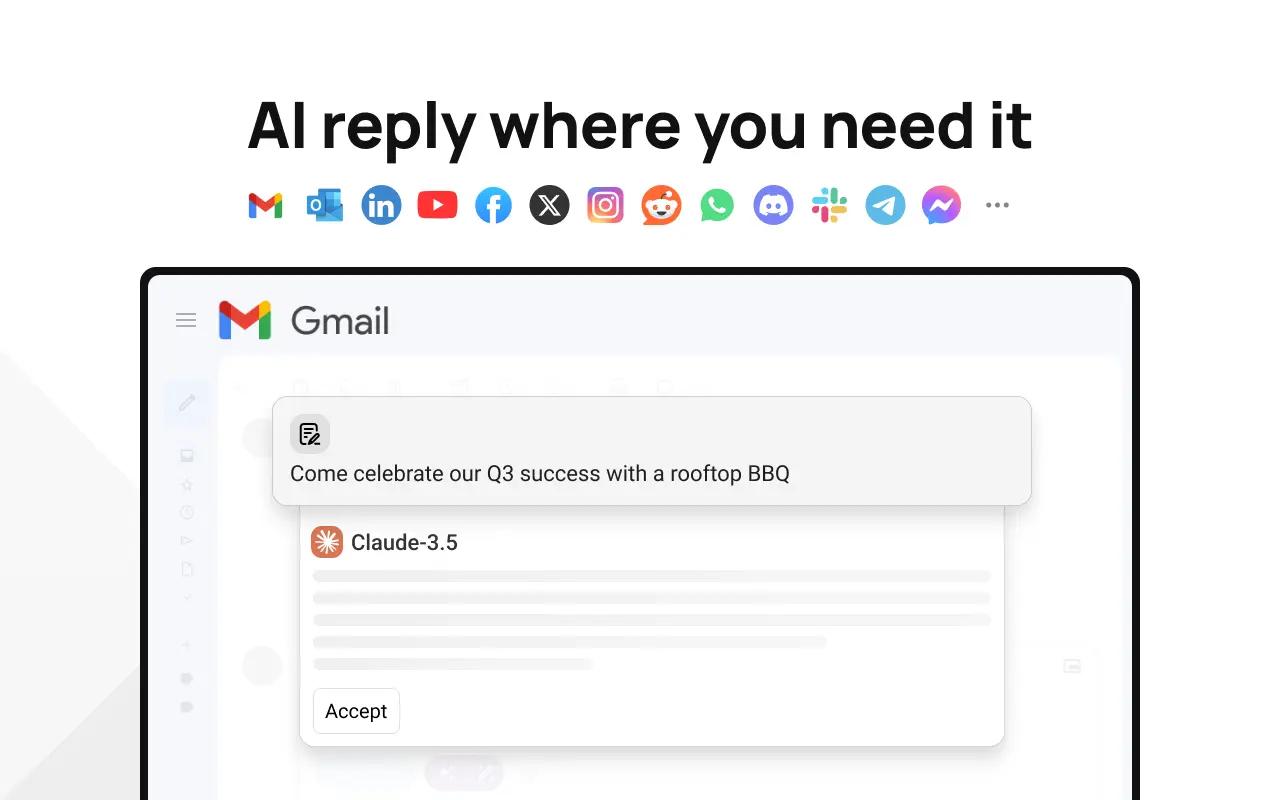
After weeks of daily use, we can confidently say that MaxAI is one of the better AI browser extensions we've tested. It combines multiple AI models into a clean, easy-to-use interface that actually works where you need it. The sidebar stays accessible, the context menu is intuitive, and the integration with websites like Gmail, Google Docs, and LinkedIn is genuinely helpful.
But here's the thing: MaxAI isn't perfect. The free tier is limited, and the Pro plan pricing can feel expensive if you're not using it heavily. Some features like image generation are nice-to-have but not essential for most users. And while the interface is clean, it can sometimes feel a bit overwhelming with all the options available.
If you're someone who regularly uses AI tools and wants everything in one place, MaxAI Pro is worth considering. The ability to compare answers from different AI models and access smarter models like GPT-5 and Claude-Sonnet-4 is genuinely useful. But if you're just looking for occasional AI help, the free version might be enough—though you'll quickly hit the 3 Pro chats per day limit.
Our final verdict? MaxAI is a solid choice if you're willing to invest in the Pro plan. It's well-built, privacy-focused, and genuinely improves productivity. Just make sure you'll actually use the advanced features before committing to the yearly plan.
Deals 🔥
Impressive
In the Features category, MaxAI has scored an excellent 9.2. It includes a comprehensive set of features that cater to most needs.
In the Design category, MaxAI has scored a very good 8.5. The design is appealing and generally effective, with a few minor areas for improvement.
In the Ease of Use category, MaxAI has scored a very good 8.8. It is user-friendly, though there may be a small learning curve for some users.
In the Security & Privacy category, MaxAI has scored an outstanding 9.5. It provides top-tier security and privacy features, ensuring user data is exceptionally well protected.
In the Value for Money category, MaxAI has scored an average 7.5. It offers some value for money, but there are likely better deals available.
In the Performance category, MaxAI has scored a good 8. It performs reliably, though it may not excel in all scenarios.
Categories
See all categoriesAvailable For
See all browsers


Best alternatives
See all alternativesOur Favorites ⭐️
See all extensionsRead More
 AI Blaze
 Sider
Sider Merlin AI
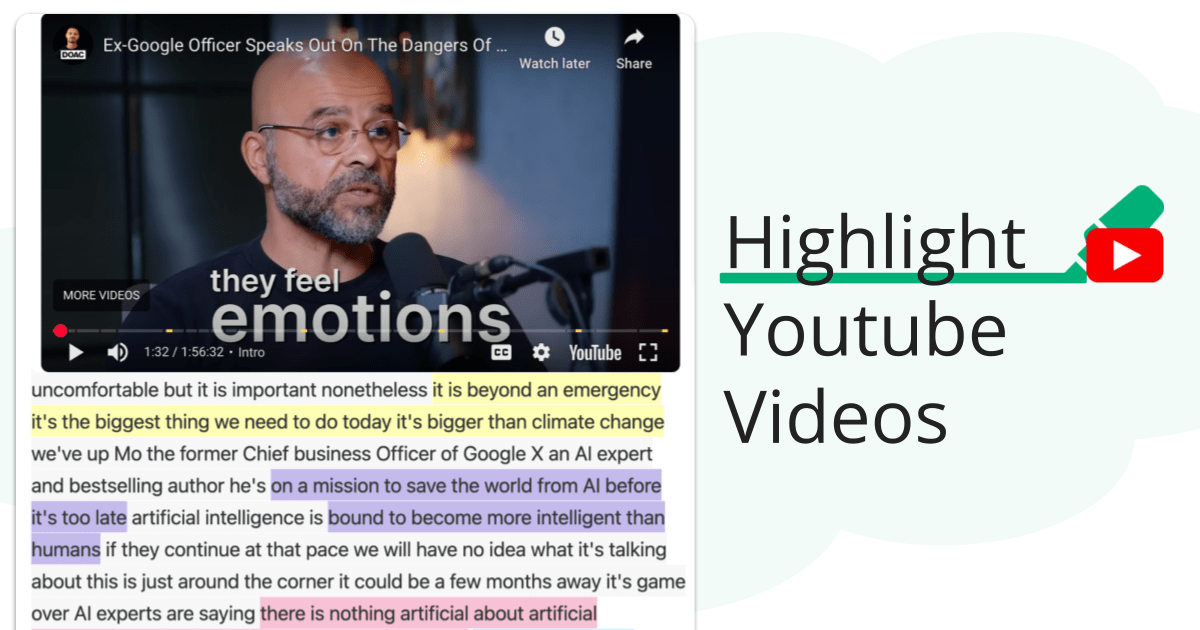
 Youtube Highlighter
  PDF & Web Highlighter
  Text Blaze
  Quillbot
  LanguageTool