Compare NaturalReader and GPT Reader: Which Extension is the Best?
NaturalReader turns webpages, PDFs, and docs into natural-sounding audio. In our tests it stood out with lifelike voices, OCR for scanned text and MP3 export —though the free plan is limited. | ||
| Key Features A summary of the most important features offered by each extension. |
|
|
| Our Rating Tooltivity's expert review score for each extension, based on hands-on testing and research. | 7.4 | 9.0 Winner in this category |
| Total users Total active users across all major browsers: Chrome, Edge, Firefox, and Safari. | 1,000,000 Winner in this category | 23,354 |
| Total ratings Total number of user ratings received across all supported browsers. | 2,270 Winner in this category | 135 |
| Average rating Average user rating across all browsers, calculated from available store ratings. | 4.2 ⭐ Winner in this category | 4.2 ⭐ |
| Entry Level Price The minimum price required to start using the extension. "Free" means a free tier is available. | Free | Free |
| Chrome User rating and stats for the extension on Chrome browser. |  4.2 4.38 Average Chrome Web Store rating from the last 100 reviews 1.0M+Users | 4.5 4.42 Average Chrome Web Store rating from the last 100 reviews 20.0K+Users Winner in this category |
| Edge User rating and stats for the extension on Edge browser. | - | - |
| Firefox User rating and stats for the extension on Firefox browser. | - |  3.9 3.64 Average Mozilla Firefox Add-ons Store rating from the last 100 reviews 3.4K+Users Winner in this category |
| Safari User rating and stats for the extension on Safari browser. | - | - |
| Features Tooltivity's expert score for the 'Features' aspect of each extension. | 8.1 Voice quality is the standout, with premium voices and speed/pitch control that make long-form listening comfortable. OCR reliably extracts text from scans and screenshots, which is great for study materials and printed docs. MP3 export is straightforward and dependable for offline listening. The pronunciation editor helps fix names and technical terms quickly. The browser reading experience with a mini player is convenient, and a cross-device library ties it together for consistent access. 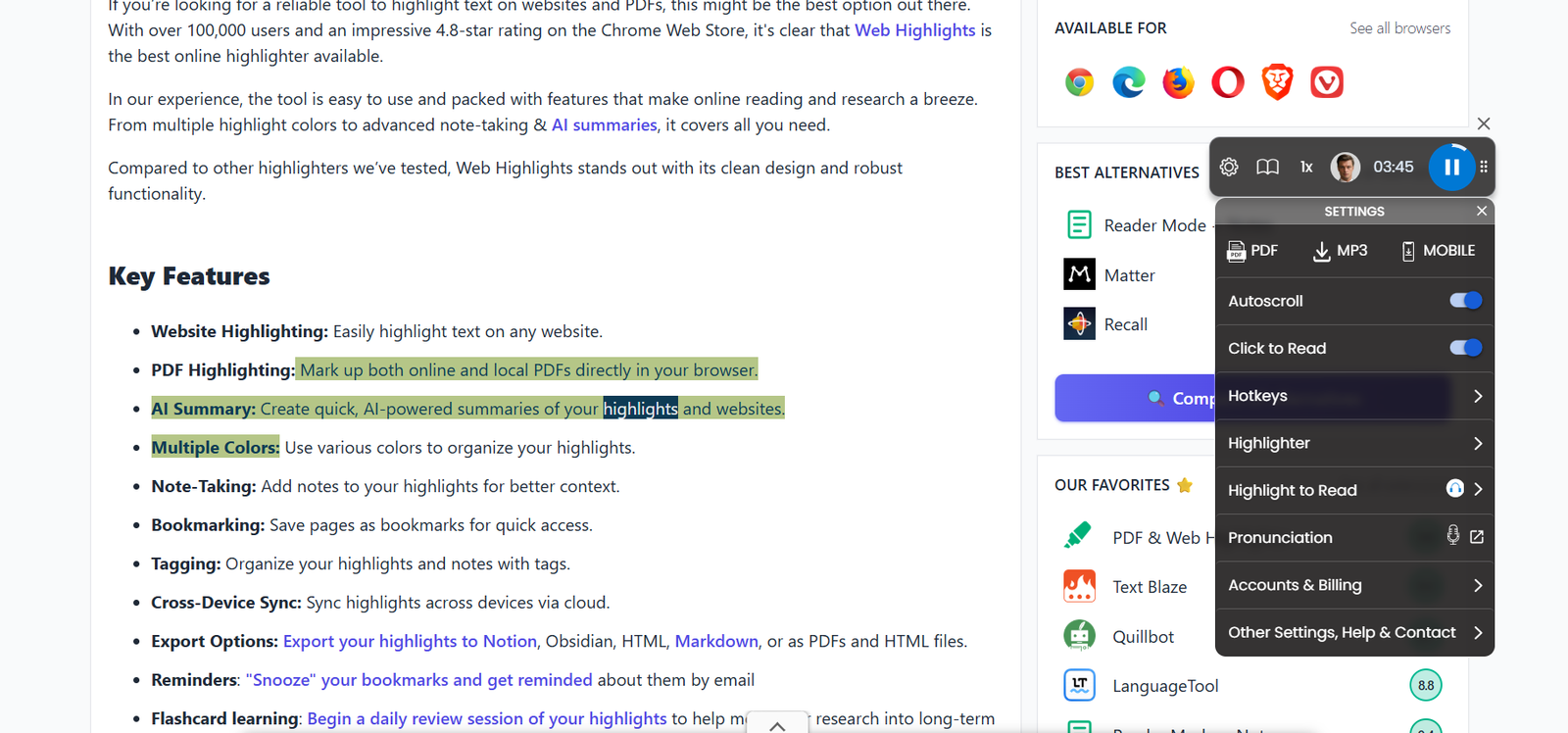 | 9.2 The functional scope of GPT Reader is designed for a wide range of users and demonstrated many useful functions in the test. The voice quality is surprisingly good and offers a natural-sounding output. We particularly liked the comprehensive format support, which seamlessly processes everything from PDFs to web content. The control of the playback is also well implemented, making it easy to adjust the speed directly and individually. However, the function for downloading audio files stood out the most in the test. In theory, entire books can be converted and then downloaded as audio books. However, this was the only area where we had to make deductions, as the free ChatGPT version had limitations when processing longer texts or documents. Winner in this category |
| Performance Tooltivity's expert score for the 'Performance' aspect of each extension. | 7.3 On typical webpages and shorter documents, playback is responsive and stable. MP3 exports are reliable, though very large texts take time to process. OCR accuracy is solid, with occasional cleanup needed for complex layouts. We hit minor glitches on very large PDFs and noticed that behavior varies by device and connection quality. For day-to-day use, performance is good enough to trust. | 8.3 The performance tests showed a mixed picture. For shorter texts and paragraphs, GPT Reader processes content quickly and delivers a smooth rendering. The application is fast and reliable for typical use cases such as articles or short documents. Here we tested self-written summaries for learning purposes. However, we encountered significant limitations with larger files, as it is not possible to complete processing due to the limited number of requests. The option of pausing and then resuming would help here. In addition, the process takes a very long time for larger files; the extension needed around 40 minutes for around 75 pages of a PDF. The limitations of the ChatGPT API particularly affect the processing of longer documents such as entire books. This is currently only possible with a premium version of ChatGPT. Winner in this category |
| Design Tooltivity's expert score for the 'Design' aspect of each extension. | 7.0 The interface is clean and the primary controls are easy to locate, which helps first-time users get started fast. The mini/floating player is practical, though visually basic. The document library favors function over aesthetics, and theming/customization options are limited. We noticed small UI inconsistencies between platforms that make it feel a bit dated, especially next to newer TTS rivals. | 9.0 The design of GPT Reader is clean and professional, with an intuitive layout that makes navigation effortless. The fact that there is even a dark as well as a light mode shows that the different user preferences have been taken into account. The controls are logically arranged and easily accessible. Even though the extension is designed for functionality, the design is not forgotten. Winner in this category |
| Value for Money Tooltivity's expert score for the 'Value for Money' aspect of each extension. | 7.2 The free plan is sufficient for casual reading and quick tests. A one-time desktop license is attractive if you prioritize offline reading and MP3 exports. If you need premium voices, OCR, or larger workloads, the higher tiers provide real value but can add up, especially with commercial rights. Competing tools sometimes match voice quality at different price points, so it pays to compare. | 8.9 Currently, GPT Reader offers a very good price-performance ratio, as all functions are available completely free of charge. We found no hidden costs or unexpected limitations in the free version. 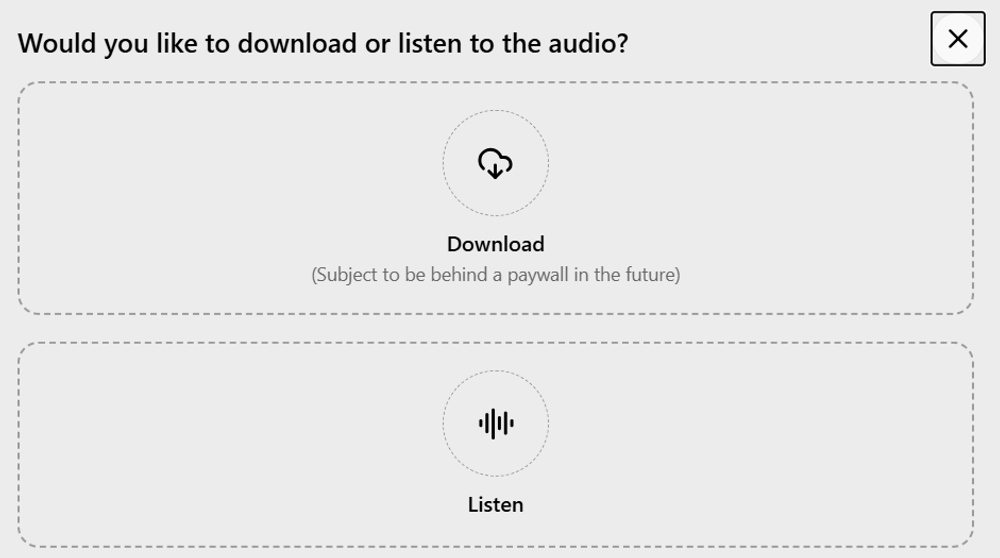 At the moment, however, it is a very good offer in the text-to-speech sector. Winner in this category |
| Ease of Use Tooltivity's expert score for the 'Ease of Use' aspect of each extension. | 7.8 Basic reading is nearly frictionless with a short learning curve. Importing files via drag-and-drop or direct open works well, and voice/rate switching is clear. Pronunciation and OCR are simple once you find them, but some features are slightly tucked away. Very long PDFs or mixed-layout documents can introduce extra steps or retries, yet overall, the workflow remains approachable. | 8.7 In terms of user-friendliness, GPT Reader scores very well. Users of all technical levels should have little problem simply converting text to audio. The user interface is self-explanatory, and all functions are displayed immediately. Winner in this category |
| Security & Privacy Tooltivity's expert score for the 'Security & Privacy' aspect of each extension. | 6.8 Local/desktop reading reduces content exposure, which we prefer for sensitive material. Cloud features likely process text server-side, so privacy depends on your chosen workflow. We didn’t see widely documented end-to-end encryption details or advanced account protections. If privacy is a priority, stick to local voices and avoid syncing. For general use, the setup is standard and acceptable. | 9.7 In our security analysis, GPT Reader showed a strong commitment to protecting user privacy. The extension only collects data from user-reported bugs and feedback. We appreciated the transparent privacy policy, where the user can read specific points. Winner in this category |
| Conclusion A summary of our findings and final thoughts for each extension. | NaturalReader is a dependable TTS pick if you want natural voices, OCR, and simple MP3 export without a steep learning curve. It handled our everyday reading well. That said, the free plan is limited, and we encountered occasional hiccups. If you need consistent premium voices, long-form listening, or OCR, the paid tiers make a noticeable difference. If you’re on a tight budget or only need basic web reading, consider a free browser reader first. For more polished voices and file workflows, NaturalReader is worth it. | GPT Reader is a promising text-to-speech extension based on ChatGPT voices. The easy-to-understand voices, combined with the fact that it is completely free, set it apart from conventional TTS tools. The extension can process various document formats. Both PDFs and copied web articles can be converted, but it has its limitations with longer texts. For example, a 300-page PDF was only partially converted in the text due to ChatGPT's limitations, which still resulted in about 2 hours of audio. The tool is very user-friendly and supports multiple languages. This extension is a must for anyone who wants to listen to texts. |
| Our Recommendation | In our comparison between NaturalReader and GPT Reader, GPT Reader came out on top, scoring 9. NaturalReader is the most widely used, with over 1 million users and 2k+ reviews, but GPT Reader outperformed it in our review. User reviews for GPT Reader reflect our findings, while we rate NaturalReader lower than users do. Notably, NaturalReader has the highest user rating in the Chrome Web Store at 4.23, which is even higher than our rating of 7.4. There are big differences between these extensions, so it's important to look at the details below to find the best fit for your needs.
If you want a quick recommendation, GPT Reader is our top pick. But as always, the best choice depends on what matters most to you. | |

